
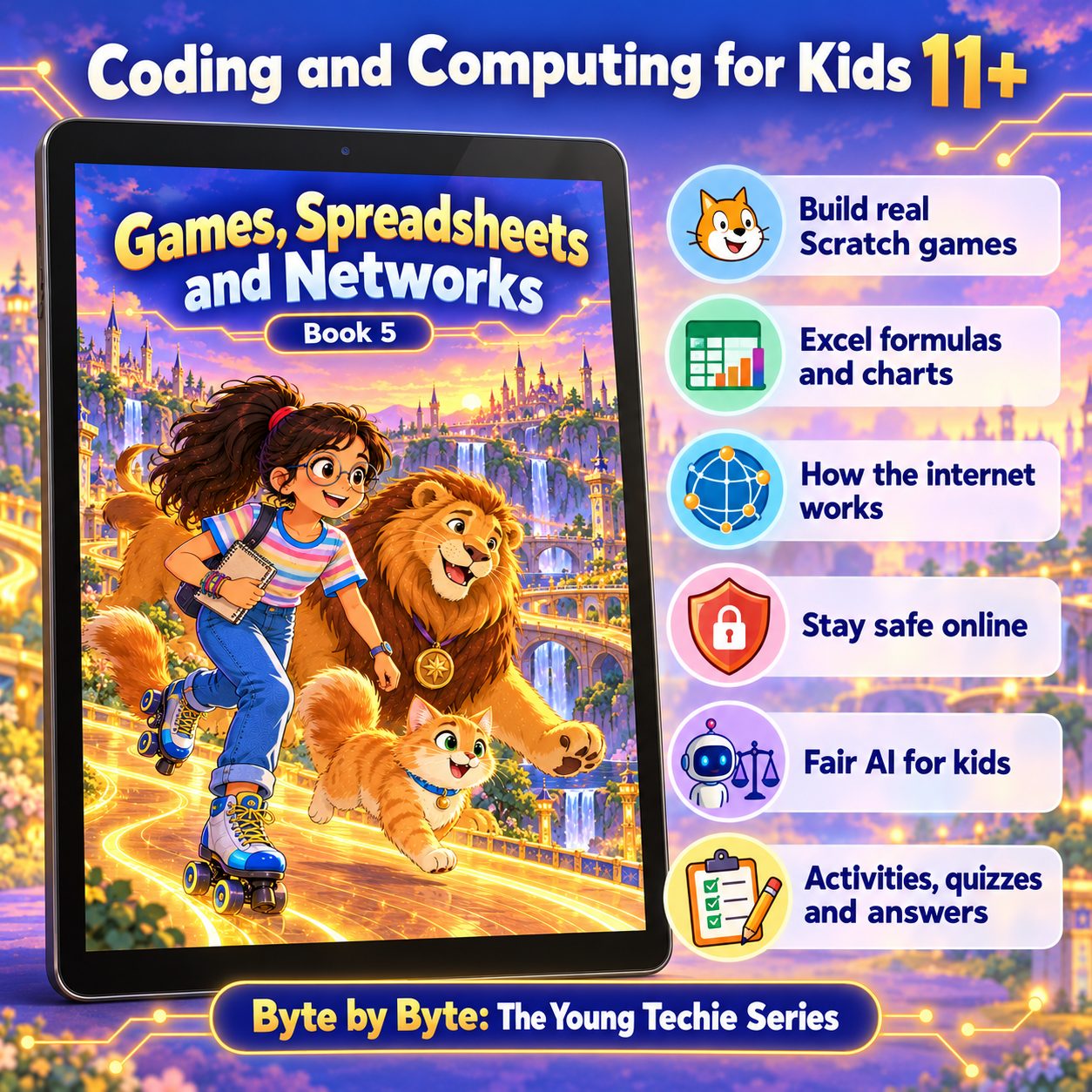
BOOK 5 OF 8 · AGES 11+ (GRADE 6)
Games, Spreadsheets and Networks
Build real Scratch games, make sense of data in Excel, and learn how the internet and AI really work.
Secure payment by Cashfree (UPI, cards, netbanking)
- 145 pages
- 13 chapters
- Mini project
About this book
The Queen announces the first Memunic Games: every village will compete in sport and build an arcade game for the Grand Arcade. Simbha, Guardian of the Games, is buried in scrolls - tracks to build, scores to keep, messages to send to twelve villages. Memoon opens her notebook and draws one big box in the middle of a fresh page: "Run the Memunic Games." That box becomes the book's first lesson in computational thinking.
The first half is game making in Scratch. Readers break a big problem into a decomposition tree, store and change data in variables (global and local), trace programs with a trace table, and program scores, lives, countdown timers, levels, a high score, win and lose conditions and the game loop. They handle input from keys, the mouse and typed answers (with validation and random numbers), use clones and lists, and then work through the whole cycle of designing, testing and sharing a game, with a design document, comments, custom blocks, a test plan and playtesting.
The second half widens the toolkit. Excel teaches cell references, formulas and the order of operations, SUM, AVERAGE, MIN, MAX, COUNT, MEDIAN and MODE, charts (and how charts can mislead), sorting, filtering, conditional formatting, IF and COUNTIF. Then the book looks under the hood of the internet - LANs and WANs, IP addresses, packets, routers, protocols and DNS - teaches how passwords are attacked and how to defend against phishing and scams aimed at young people (including UPI and OTP scams), and closes with how bias in training data makes AI unfair and how to test for it.
How each chapter works
Every chapter has the same six parts: The Adventure, Learn With Memoon, Try It Yourself, Memoon Solves It, Check Your Knowledge and a Word Bank, with Memoon's tips along the way.
What they’ll learn
- Break big problems down with decomposition, pattern recognition, abstraction and algorithms
- Build complete Scratch games with variables, scores, lives, timers, levels, clones and lists
- Handle keyboard, mouse and typed input, with validation and random numbers
- Design, test, playtest and share a game fairly, and remix other projects with credit
- Use Excel formulas and functions, relative references and the order of operations
- Create column, bar, line and pie charts, and spot misleading ones; sort, filter and use IF and COUNTIF
- Explain IP addresses, packets, routers, DNS, HTTPS, bandwidth and latency
- Build strong passphrases, use two-step verification, and recognise phishing, smishing and scams
- Explain data bias in AI and how to measure fairness by testing each group separately
Contents
- 1Computational Thinking and Decomposition
- 2Variables: Storing and Changing Data
- 3Scores, Timers and Game Rules
- 4User Input and Interactive Games
- 5Clones and Lists
- 6Designing, Testing and Sharing a Game
- 7Spreadsheets and Microsoft Excel
- 8Formulas and Functions
- 9Charts, Sorting and Filtering
- 10How the Internet Really Works
- 11Passwords, Phishing and Scams
- 12Data, Bias and Fair AI
- ·Revision: Let's Remember
The project: My Arcade Game and Score Report
After the Games, the Queen decides the Grand Arcade will stay open all year, and every entry must come with a Score Report: proof, from real data, that the game is fair, fun and the right difficulty. The reader designs, builds, tests and shares their own arcade game in Scratch, then uses Excel to analyse how people play it. The project draws on every part of the book.
Who it’s for
Children aged 11 and up (Grade 6 skills), for parents, teachers and homeschoolers who want STEM learning with a purpose. It picks up where Book 4 left off and opens with a recap of that book's Word, PowerPoint, Scratch and AI skills.
What you need: Free tools only - Scratch, Teachable Machine and Excel (including Excel for the web) - on a Windows 11 computer.
Included with your purchase
- The bookThe 145-page illustrated ebook
- Teaching and lesson slidesA full lesson deck - the whole book as slides, chapter by chapter, for teaching or projecting
Read a free sample: the first 20 pages
Can’t see the sample? Open it in a new tab.
Next in the series
Book 6: Python, Data and How Computers Work. Look inside the machine, then write real Python - in an underwater adventure.
See Book 6Ratings & reviews
No ratings yet. Be the first to rate this.
Sign in with Google to rate or review