
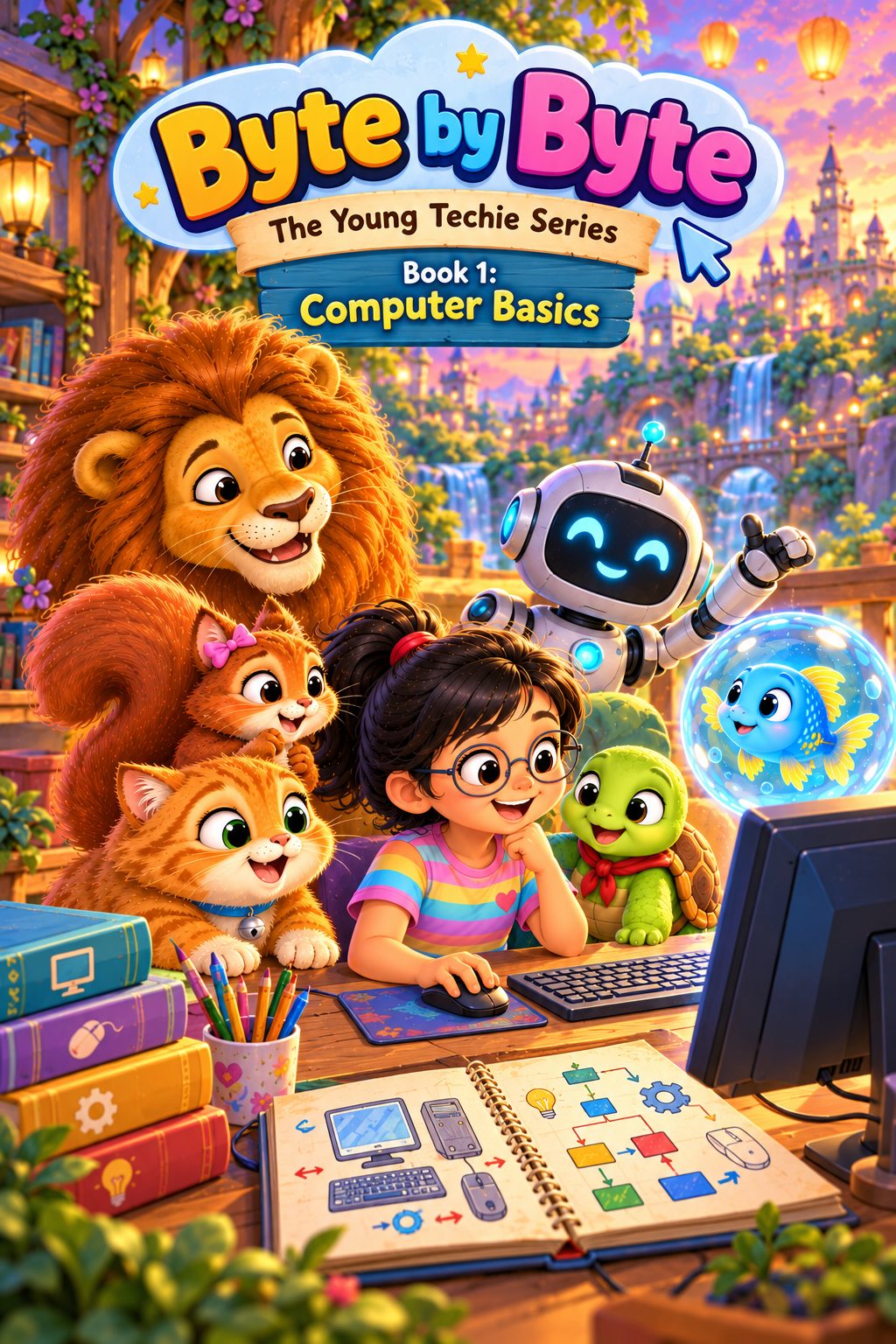
BOOK 1 OF 8 · AGES 7+
Computer Basics
A warm, story-first introduction to computers, from what they are to how they follow instructions.
Secure payment by Cashfree (UPI, cards, netbanking)
- 87 pages
- 12 chapters
- Mini project
About this book
Memoon is seven, curious and kind. When the family computer glows purple, she and her animal friends Noodles, Kachui, Nimo, Beautine and Simbha tumble into Memunic World, where a storm called the Mix-Up has made everyone forget what a computer is. With a small silver robot called Bleep as their guide, they set out to help.
Each chapter teaches one idea in a few clear steps: what a computer is and where hidden computers live (even inside washing machines and microwaves), the parts of a computer and what each one does, input, processing and output, starting up and shutting down properly, and using the mouse with confidence. The later chapters turn to how computers think. They follow clear instructions, so the book introduces sequences, patterns and bugs, with a four-step method for finding and fixing a mistake: an early, gentle taste of coding.
Nothing is rushed. Many chapters take 20 to 30 minutes including practice, and some activities need no computer at all. The book closes with a revision chapter, a hands-on mini project, a "What I Can Do Now" checklist, a glossary and an answer key.
How each chapter works
Every chapter has the same six parts: The Adventure, Learn With Memoon, Try It Yourself, Memoon Solves It, Check Your Knowledge and a Word Bank.
What they’ll learn
- Explain what a computer is, and spot the hidden computers around the home
- Name the parts of a computer and the job of each one
- Describe the three steps of every computer job - input, processing and output
- Start up and shut down a computer the right way
- Point, click, double-click, drag and drop with the mouse
- Give clear step-by-step instructions, continue patterns, and find and fix bugs
- Build healthy habits - posture, eye care, screen time, and knowing when to ask a grown-up
Contents
- 1What Is a Computer?
- 2Parts of a Computer
- 3Input, Processing and Output
- 4Starting Up and Shutting Down
- 5Using the Mouse: Point and Click
- 6Double-Click, Drag and Drop
- 7Computers Follow Instructions
- 8Sequences: Steps in Order
- 9Patterns
- 10Bugs and Debugging
- 11Healthy and Safe Computer Habits
- ·Revision
The project: My Computer Guidebook
After the festival, the Queen of Memunic gives Memoon a blank golden notebook and asks her to make a guidebook so that Memunic never forgets again. The reader makes one too: a small paper book made from six folded sheets, with a pattern-border cover, a labelled drawing of a computer, a page sorting input and output devices, and the shut-down steps written in order.
Who it’s for
Children aged 7 and up, read together with a parent or teacher. Children aged 7 can read the story parts on their own; a grown-up helps with the lesson parts. No computer experience is needed.
What you need: A Windows 10 or 11 computer and a grown-up to sit alongside. Some activities need no computer at all.
Included with your purchase
- The bookThe 87-page illustrated ebook
- Teaching and lesson slidesA full lesson deck - the whole book as slides, chapter by chapter, for teaching or projecting
- Question bank and worksheets12 questions per chapter, 12 worksheets, a score tracker and full answers with explanations
Read a free sample: the first 4 pages
Can’t see the sample? Open it in a new tab.
Next in the series
Book 2: Keyboard, Windows and Creating. Learn to type, find your way around Windows and make things in Paint - and never lose your work.
See Book 2Ratings & reviews
No ratings yet. Be the first to rate this.
Sign in with Google to rate or review