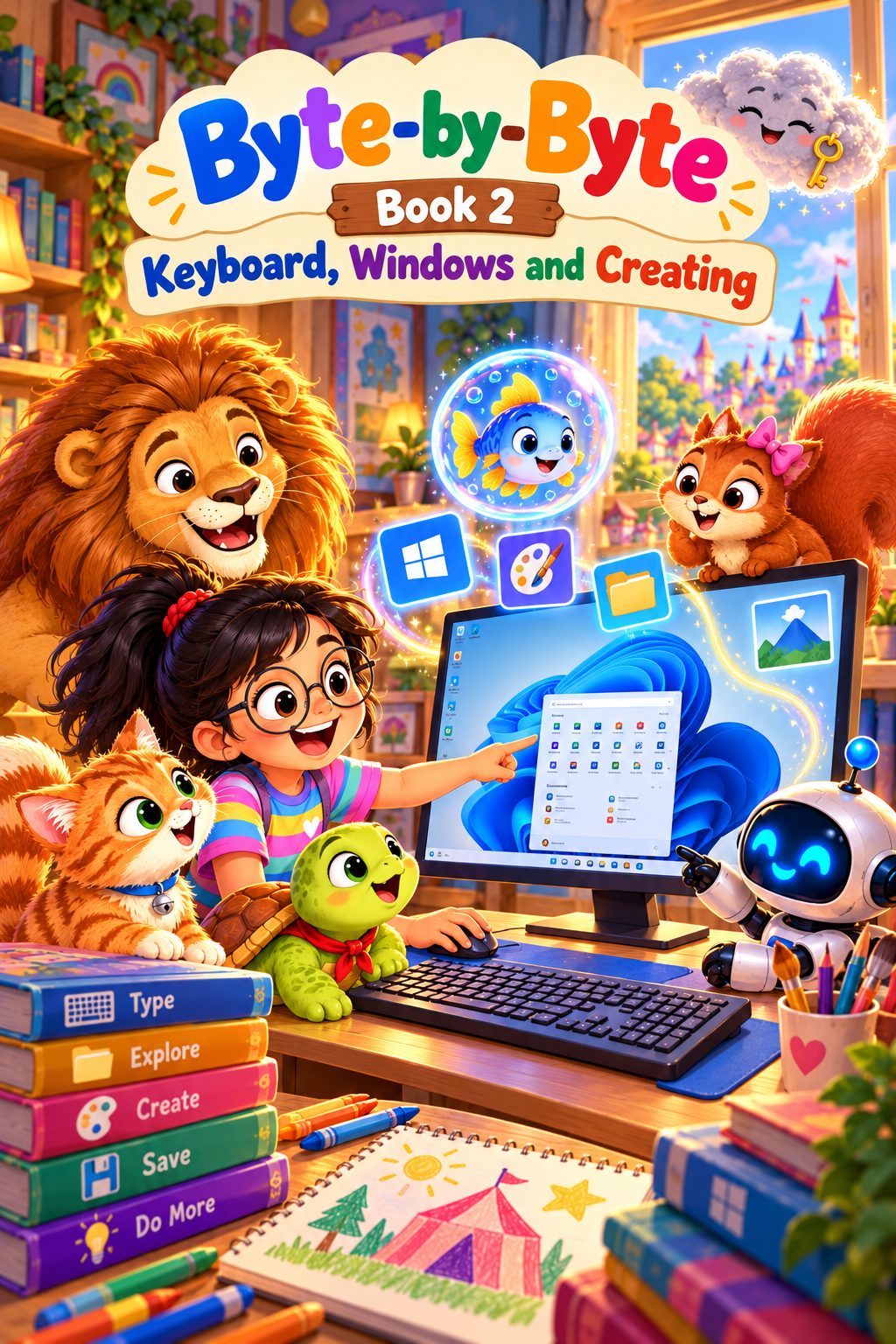
BOOK 2 OF 8 · AGES 8+ (GRADE 3)
Keyboard, Windows and Creating
Learn to type, find your way around Windows and make things in Paint - and never lose your work.
Secure payment by Cashfree (UPI, cards, netbanking)
- 101 pages
- 13 chapters
- Mini project
About this book
Memoon is eight, and the Grand Creation Fair is in seven days. Everyone in Memunic World will show something they made, and Beautine the squirrel needs to type the labels on her map of nut-hiding places. But a sleepy cloud called the Forgetful Fog makes anything unsaved fade away, so Memoon has to learn to type, use Windows, draw and save her work before the Fair opens.
The book teaches each skill on a real computer: the groups of keys and the special keys (Enter, Space bar, Backspace, Delete, Shift, Caps Lock and Esc), the home row and how to sit while typing, the Windows desktop, taskbar and Start menu, three ways to open an app, and the parts of a window and how to minimise, maximise, restore, move, resize, switch and close them. Two chapters are devoted to drawing in Paint, and one to saving: choosing a good file name, the difference between Save and Save As, and opening work again.
The last third turns to thinking. Children learn what an algorithm is and why the order of steps matters, find algorithms in everyday life, and see how smart machines use sensors yet still follow instructions that people wrote. The book opens with a "Remember from last time" recap of Book 1 and ends with a revision chapter, a poster project, a checklist, a glossary and an answer key.
How each chapter works
Every chapter has the same six parts: The Adventure, Learn With Memoon, Try It Yourself, Memoon Solves It, Check Your Knowledge and a Word Bank.
What they’ll learn
- Name the groups of keys on a keyboard and use the special keys
- Place fingers on the home row, type simple words and sentences, and sit with good posture
- Name the parts of the Windows desktop, and open apps from the Start menu, by search and from an icon
- Minimise, maximise, restore, move, resize, switch and close windows
- Draw in Paint with the pencil, brushes, colours and eraser; use Undo and Redo
- Draw shapes, fill them with colour and add text
- Save work with a good file name and open it again
- Explain what an algorithm is, and tell smart machines from ordinary ones
Contents
- 1Getting to Know the Keyboard
- 2Special Keys
- 3Typing Words the Right Way
- 4The Windows Desktop
- 5The Start Menu and Opening Apps
- 6Working with Windows
- 7Drawing in Paint
- 8Shapes, Fill and Text in Paint
- 9Saving and Opening Your Work
- 10What Is an Algorithm?
- 11Algorithms All Around Us
- 12Smart Machines and Ordinary Machines
- ·Revision: Let's Remember
The project: My Creation Fair Poster
The Queen of Memunic wants a poster to remember the Grand Creation Fair. Before touching the computer, the reader writes the plan as an algorithm on paper (open Paint, draw a tent from a triangle and a rectangle, add a sun and stars, fill the colours, add the title with the Text tool), then makes the poster in Paint, saves it with a good name and shares it.
Who it’s for
Children aged 8 and up (Grade 3), with a parent, teacher or homeschooler alongside. It builds on Book 1 and opens with a recap of its big ideas.
What you need: A Windows 11 computer with Paint, and a grown-up nearby.
Included with your purchase
- The bookThe 101-page illustrated ebook
- Teaching and lesson slidesA full lesson deck - the whole book as slides, chapter by chapter, for teaching or projecting
- Question bank and worksheets12 questions per chapter, worksheets, a score tracker and full answers with explanations
Read a free sample: the first 4 pages
Can’t see the sample? Open it in a new tab.
Next in the series
Book 3: Files, Folders and the Internet. Go from using a computer to understanding it - where everything lives and how it travels.
See Book 3Ratings & reviews
No ratings yet. Be the first to rate this.
Sign in with Google to rate or review