
BOOK 3 OF 8 · AGES 9+ (GRADE 4)
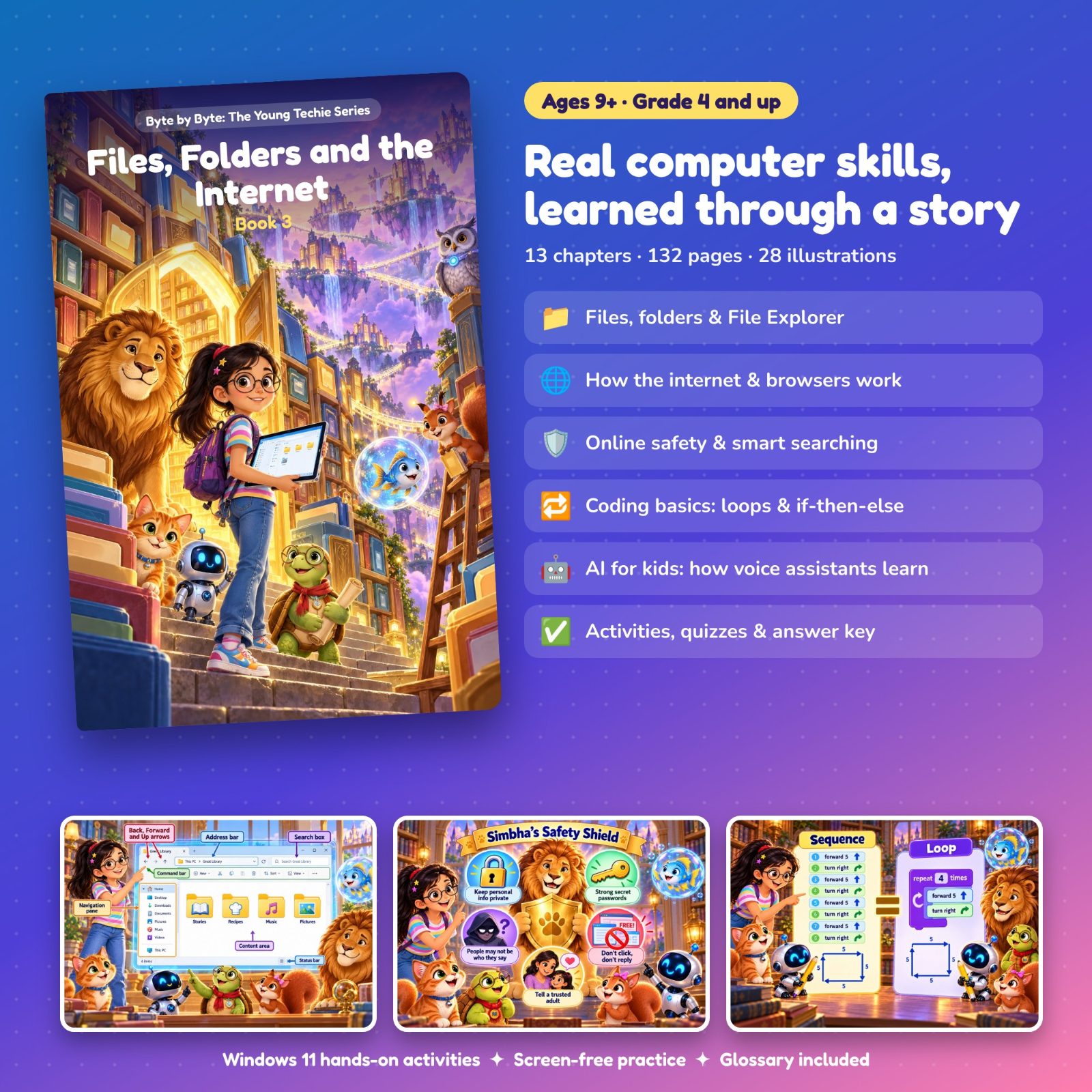
Files, Folders and the Internet
Go from using a computer to understanding it - where everything lives and how it travels.
Secure payment by Cashfree (UPI, cards, netbanking)
- 132 pages
- 13 chapters
- Mini project
About this book
Memoon is nine, and her questions are getting bigger. Where does a saved drawing actually live? How does a message reach her cousin in another city in one second? How does a smart speaker understand her voice? Her friend Kachui has just been made Chief Librarian of the Great Library of Memunic, and the Scatter Wind has blown every drawing, story, song and recipe in Memunic World off its shelf. Putting it all back means learning how a computer keeps things organised.
The first half is hands-on Windows 11: files, folders, paths and extensions, File Explorer, creating, renaming, copying, moving and deleting, the Recycle Bin, Notepad and Calculator, and the keyboard shortcuts that save the most time. The second half opens the internet: networks and servers, the difference between the internet and the World Wide Web, what "the cloud" really means, how to read a web address, smart searching, and checking whether information is reliable.
Online safety gets a full chapter: which personal information to keep private, passwords, spotting tricks, what to do about strangers and unkind behaviour, and who your trusted adults are. The final chapters turn computational thinking into real ideas - sequences, loops, conditions with if-then-else, a first flowchart - and finish by explaining how a voice assistant hears, understands and answers, and why it sometimes gets it wrong.
How each chapter works
Every chapter has the same six parts: The Adventure, Learn With Memoon, Try It Yourself, Memoon Solves It, Check Your Knowledge and a Word Bank.
What they’ll learn
- Explain files, folders, subfolders and paths, and what a file extension tells you
- Use File Explorer to change the view, sort files, and create, rename, copy, move and delete
- Restore a file from the Recycle Bin, and know that emptying it is permanent
- Write, save and search notes in Notepad, and check Calculator answers by estimating first
- Use the key shortcuts for copy, cut, paste, undo, select all, save and switching windows
- Explain the internet, servers, the web and the cloud, and read a web address
- Search smartly, judge how reliable a source is, and stay safe online
- Write sequences, loops and if-then-else decisions, and draw a simple flowchart
- Explain how a voice assistant works and use one safely
Contents
- 1Files and Folders
- 2Exploring File Explorer
- 3Managing Files and the Recycle Bin
- 4Notepad and Calculator
- 5Keyboard Shortcuts
- 6What Is the Internet?
- 7Browsers, Websites and Web Addresses
- 8Searching Smartly
- 9Staying Safe Online
- 10Sequences and Loops
- 11Conditions: If, Then, Else
- 12How Voice Assistants Work
- ·Revision: Let's Remember
The project: My Digital Field Guide
The Queen asks the Great Library to open a new section, the Field Guide of Living Things, and Kachui asks the reader to make the first one. They build a real, organised digital field guide on their own computer about three animals they choose: a folder tree planned on paper first, fact files written in Notepad, safe searching with sources checked, and loops, conditions and flowcharts put to work.
Who it’s for
Children aged 9 and up (Grade 4), with a Windows 11 computer and, for the internet chapters, a grown-up sitting alongside. It opens with a recap of Book 2 and builds the thinking skills used for Scratch and Python later in the series.
What you need: A Windows 11 computer. For Chapters 6 to 9 (the internet), a grown-up should sit alongside.
Included with your purchase
- The bookThe 132-page illustrated ebook
- Teaching and lesson slidesA full lesson deck - the whole book as slides, chapter by chapter, for teaching or projecting
- Question bank and worksheets12 questions per chapter, worksheets, a score tracker and full answers with explanations
Read a free sample: the first 4 pages
Can’t see the sample? Open it in a new tab.
Next in the series
Book 4: Office Apps and First Programs. Real office tools, then real programs - Word, PowerPoint, email and the first steps in Scratch.
See Book 4Ratings & reviews
No ratings yet. Be the first to rate this.
Sign in with Google to rate or review