
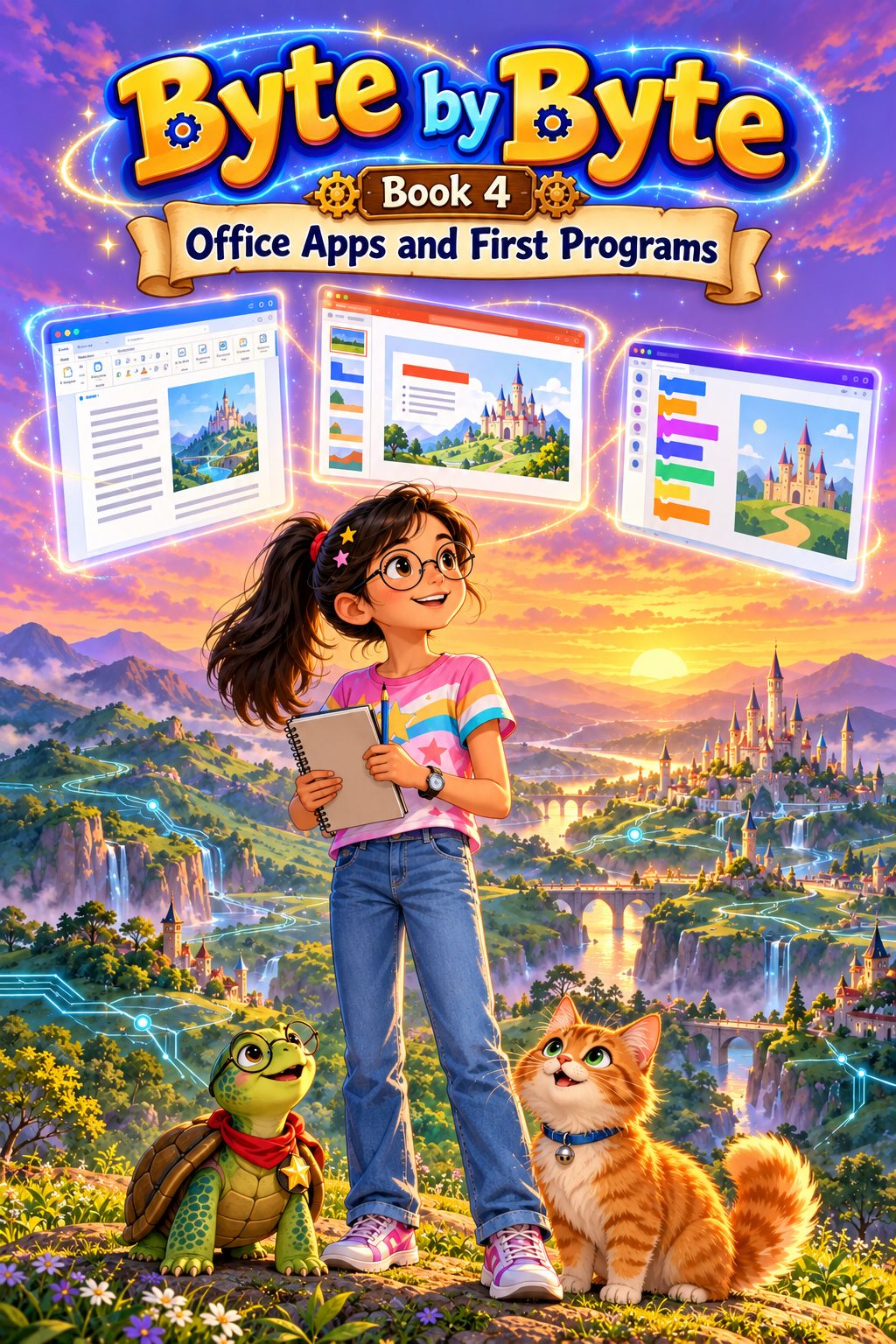
BOOK 4 OF 8 · AGES 10+ (GRADE 5)
Office Apps and First Programs
Real office tools, then real programs - Word, PowerPoint, email and the first steps in Scratch.
Secure payment by Cashfree (UPI, cards, netbanking)
- 106 pages
- 13 chapters
- Mini project
About this book
A golden scroll floats out of the screen at breakfast: in thirty days Memunic holds its first Festival of Makers, and it needs a newspaper, a grand presentation, invitations and a show on the Clockwork Stage. The offices of The Memunic Times are in chaos. The old printing press has broken, every story is handwritten, and one spelling slip means rewriting the whole page. Memoon, now ten and keeping a notebook of plans, steps in to help.
The book has two halves. Chapters 1 to 5 make the reader a confident user of real office tools: typing, editing and saving in Microsoft Word, character and paragraph formatting, lists and heading styles, pictures, text wrapping and alt text, tables and page layout, PowerPoint slides with themes, transitions and animations, and how to design and present well, then email with To, CC and BCC, Reply, Forward and attachments, and how to write politely and stay safe.
Chapters 6 to 11 turn the reader into a programmer. They build real Scratch programs: sprites and the stage as a coordinate grid (including negative numbers), motion in degrees, loops (repeat, forever, repeat until), drawing regular polygons with the Pen extension, events and broadcast messages, and conditions and sensing with Boolean logic. A full chapter teaches a five-step debugging method: reproduce, isolate, hypothesise, fix and test. The last lesson shows how artificial intelligence learns from examples, and the reader trains an image model of their own with Teachable Machine.
How each chapter works
Every chapter has the same six parts: The Adventure, Learn With Memoon, Try It Yourself, Memoon Solves It, Check Your Knowledge and a Word Bank.
What they’ll learn
- Type, edit, format, save and reopen Word documents, with lists, heading styles, pictures and tables
- Set margins, orientation and page breaks, use Print Preview, and use pictures fairly and give credit
- Build and present a PowerPoint presentation with layouts, a theme, transitions and animations
- Use email correctly - To, CC, BCC, Reply, Reply All, Forward and attachments - and spot phishing
- Build Scratch programs with motion, coordinates, loops, events and messages
- Use if-then-else conditions, sensing and Boolean logic (and, or, not)
- Find and fix bugs with a step-by-step method, and test a program properly
- Explain how a machine learns from examples, and train an image model with Teachable Machine
Contents
- 1Word Processing and Microsoft Word
- 2Formatting Text and Paragraphs
- 3Pictures, Tables and Page Layout in Word
- 4Making Presentations with PowerPoint
- 5Email and Online Etiquette
- 6Meet Scratch
- 7Motion, Coordinates and Sequences
- 8Loops in Scratch
- 9Events and Messages
- 10Conditions and Sensing
- 11Finding and Fixing Bugs
- 12How AI Learns from Examples
- ·Revision: Let's Remember
The project: My Festival Show
As the new Keeper of the Clockwork Stage, Memoon's first job is to help every village put on its own show. The reader plans, builds, tests and presents a complete festival show using Word, PowerPoint and Scratch together: a title and description, at least two sprites and two backdrops, the order of scenes in pseudocode or a flowchart, and an interactive part for the audience.
Who it’s for
Children aged 10 and up (Grade 5 skills), including parents, teachers, schools, homeschooling families and coding clubs. It opens with a recap of Book 3 and covers document formatting, presentations, digital communication, coordinates, angles, sequences, loops, events, conditions and debugging.
What you need: A Windows 11 computer; Microsoft Word and PowerPoint (Microsoft 365, or the free web versions with a grown-up's account); Scratch (free); and a grown-up nearby for anything involving email or accounts.
Included with your purchase
- The bookThe 106-page illustrated ebook
- Teaching and classroom slidesA full lesson deck - the whole book as slides, chapter by chapter, for teaching or projecting
- Question bank and worksheets12 questions per chapter, worksheets, a score tracker and full answers with explanations
Read a free sample: the first 4 pages
Can’t see the sample? Open it in a new tab.
Next in the series
Book 5: Games, Spreadsheets and Networks. Build real Scratch games, make sense of data in Excel, and learn how the internet and AI really work.
See Book 5Ratings & reviews
No ratings yet. Be the first to rate this.
Sign in with Google to rate or review